Setup Guide
 VPN Use Cases
 Account & Billings
 FAQs
FAQsGeneral Settings – Apple TV App
 84 Views
 November 6, 2025
 admin
admin No Comments
The ConnectsVPN Apple TV app is customizable, allowing you to fine-tune it to fit your personal preferences.
With this option, you can now revert the ConnectsVPN app to its default settings. Want to know how to do it? Follow the instructions below 👇
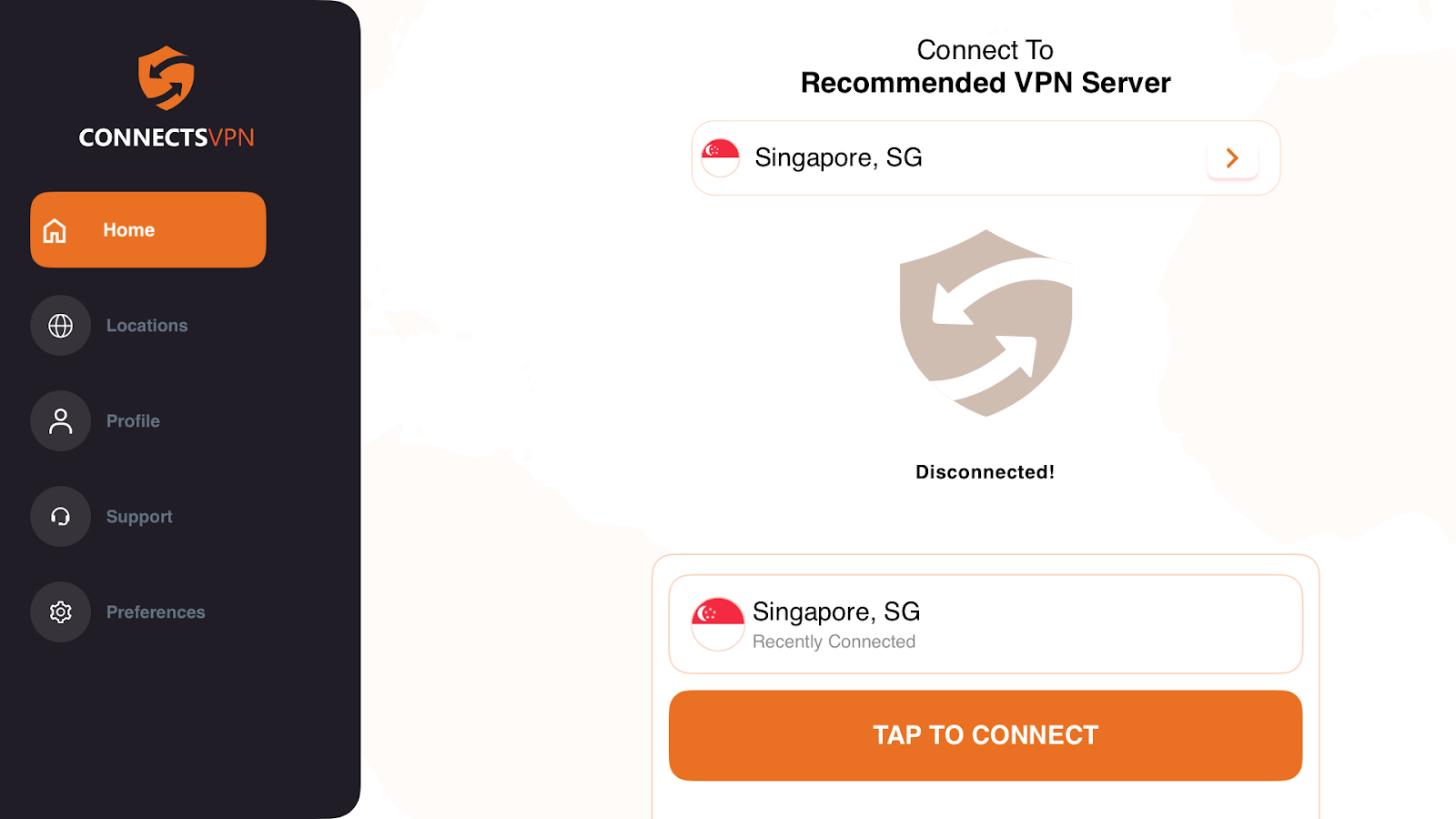
- Press Preferences⚙️ icon located in the bottom-left App.
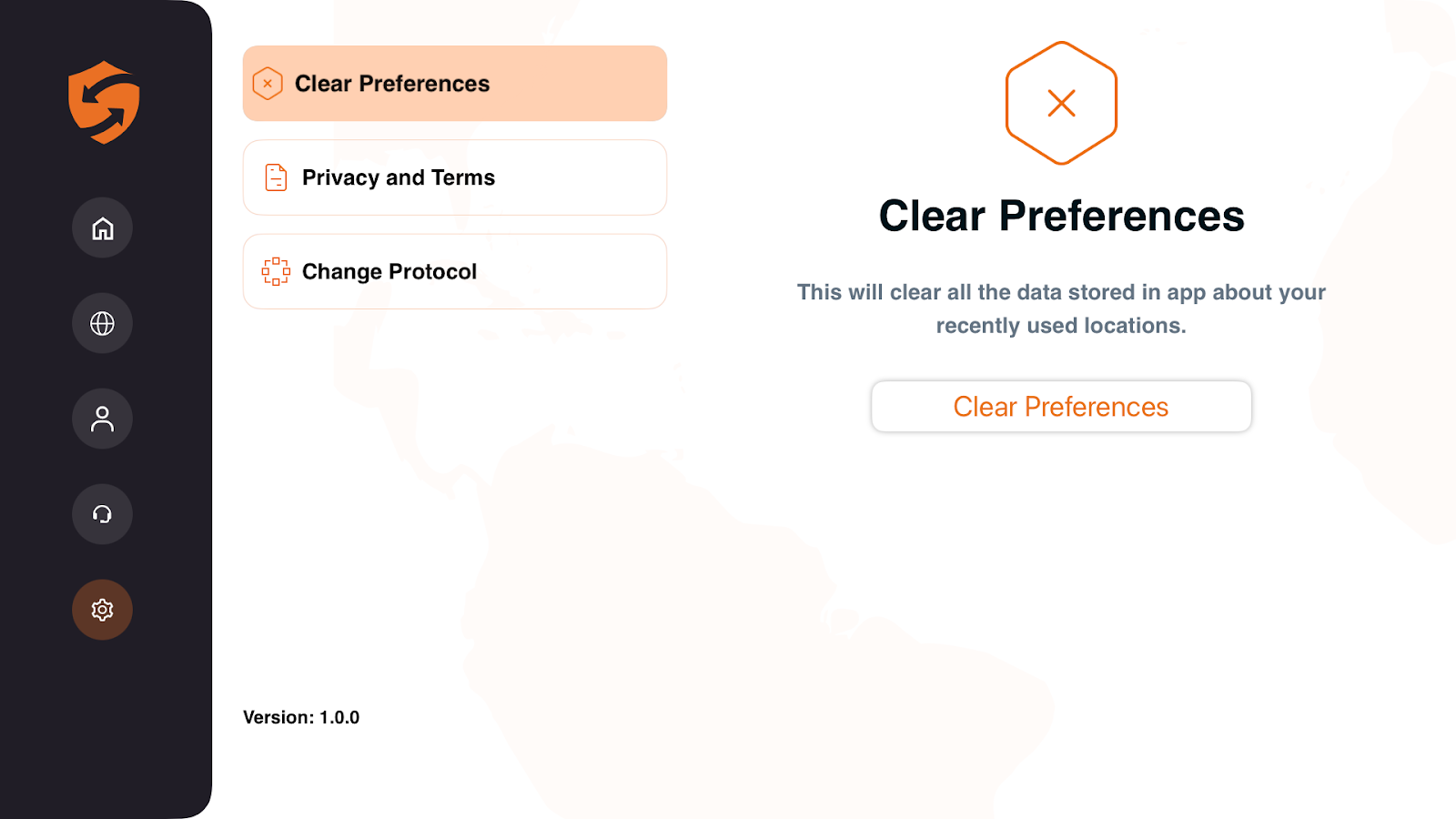
- In the Preferences icon, you will be able to see the Clear My Preferences option.
- Press the Clear Preferences button.
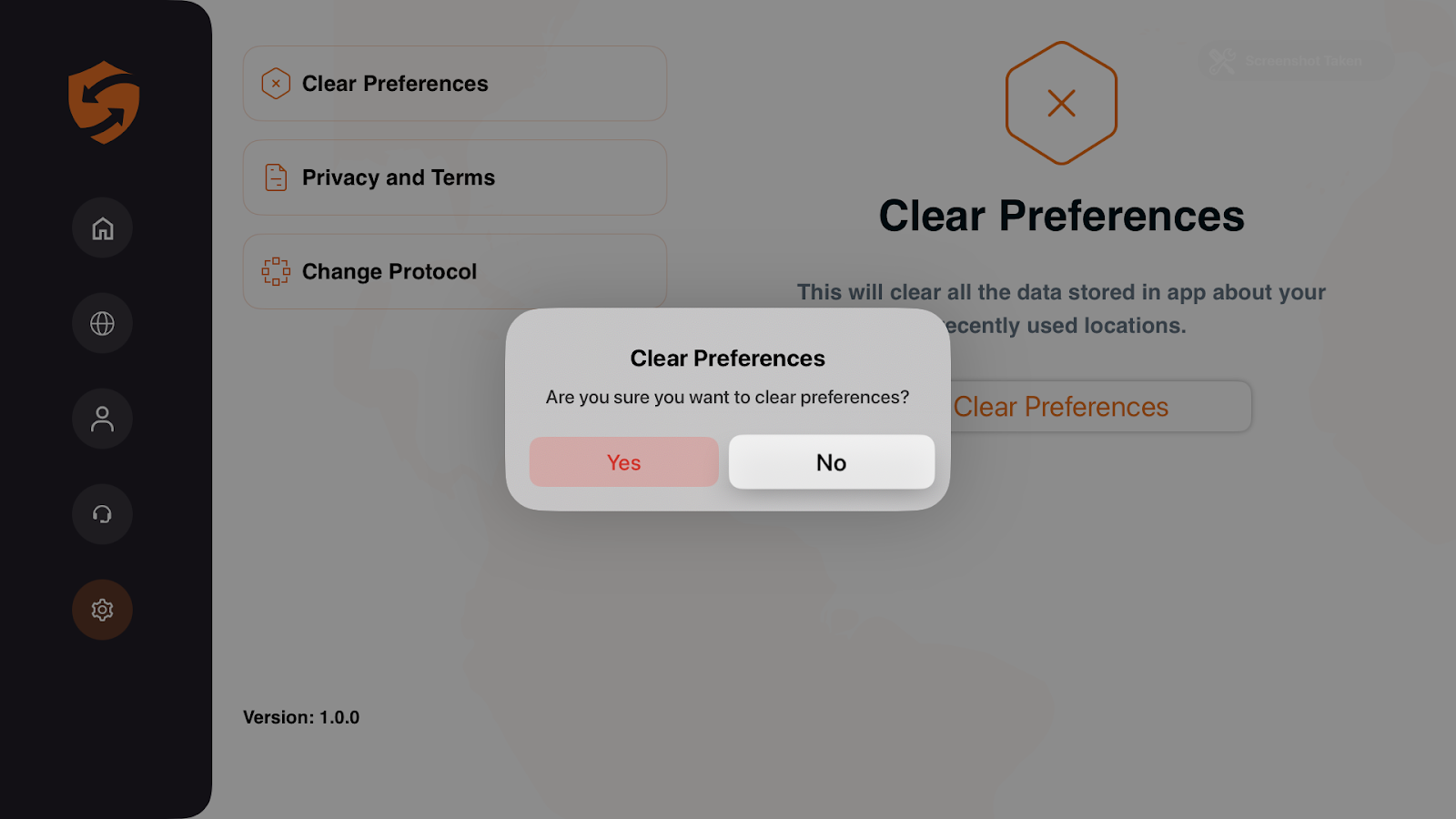
- Press Clear My Preferences to reset the app settings to default. A pop-up will appear asking you to confirm. Press Yes to proceed.
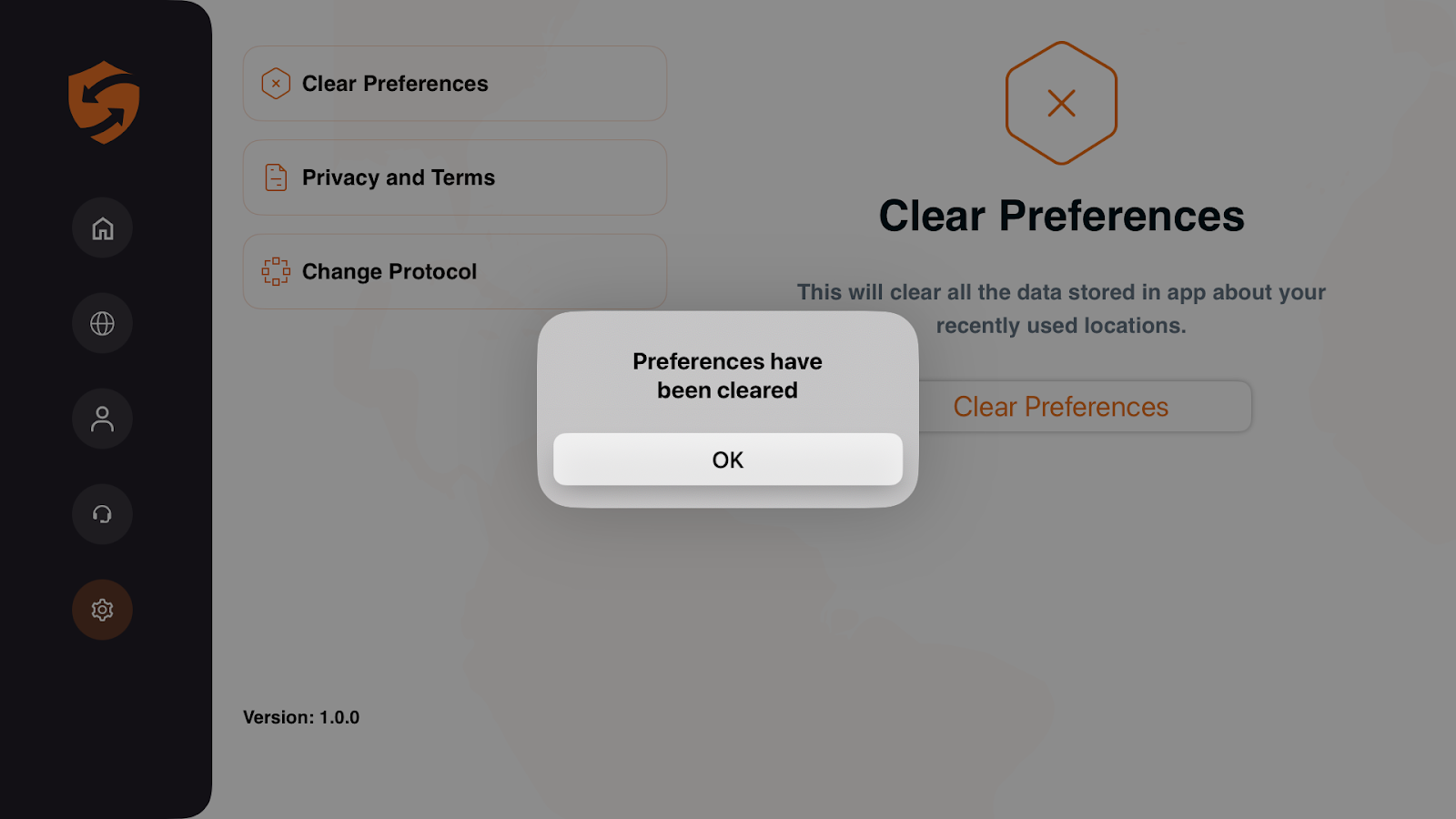
- All preferences have been cleared press OK.