Setup Guide
 VPN Use Cases
 Account & Billings
 FAQs
FAQsAccount & Billing
 647 Views
 November 4, 2025
 admin
admin No Comments
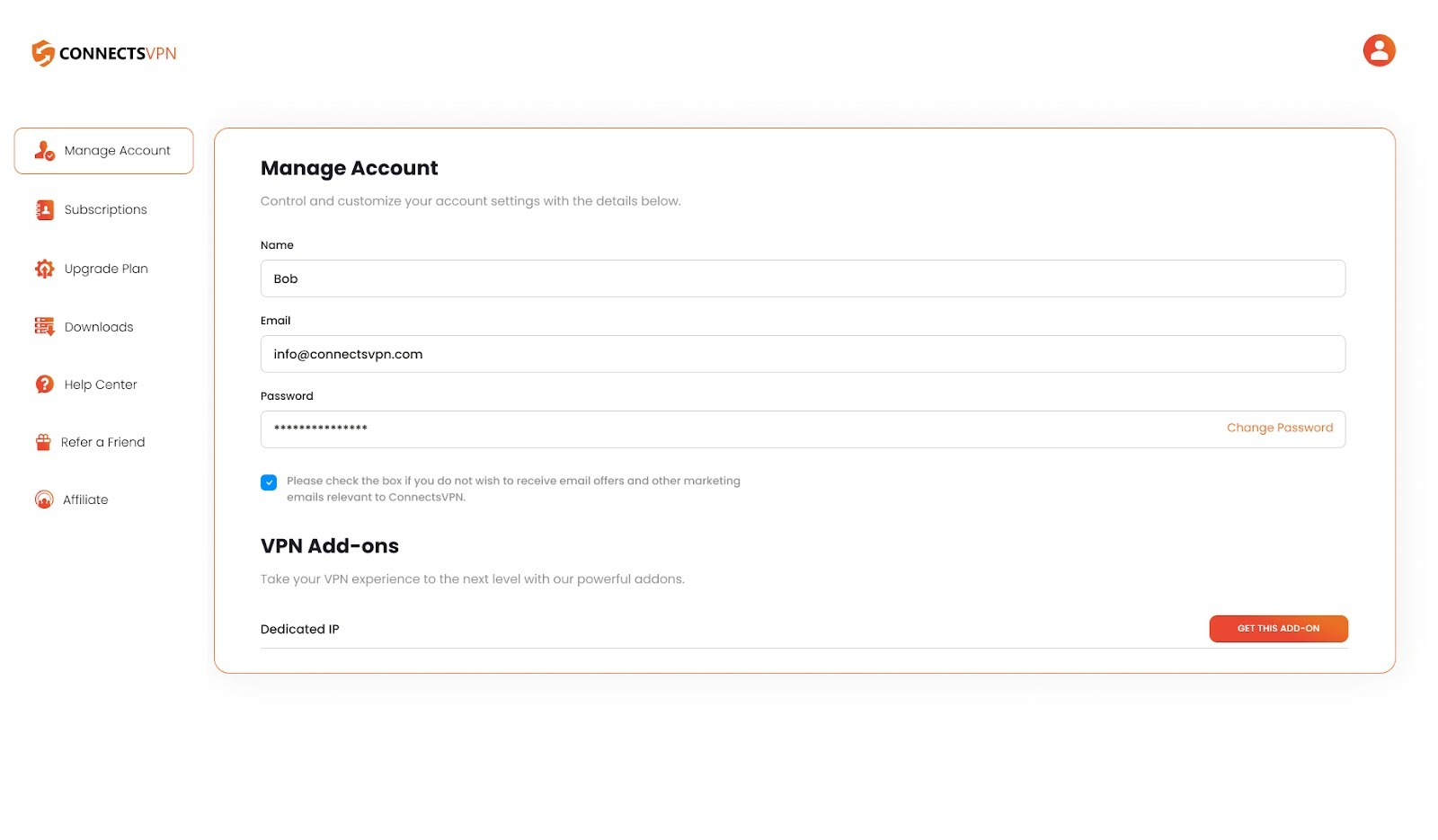
In the Manage Account section, you can:
- Edit your name
- Review your registered email address
- Update your password for the member area
- Check the addon details
To manage your account, follow these steps:
-
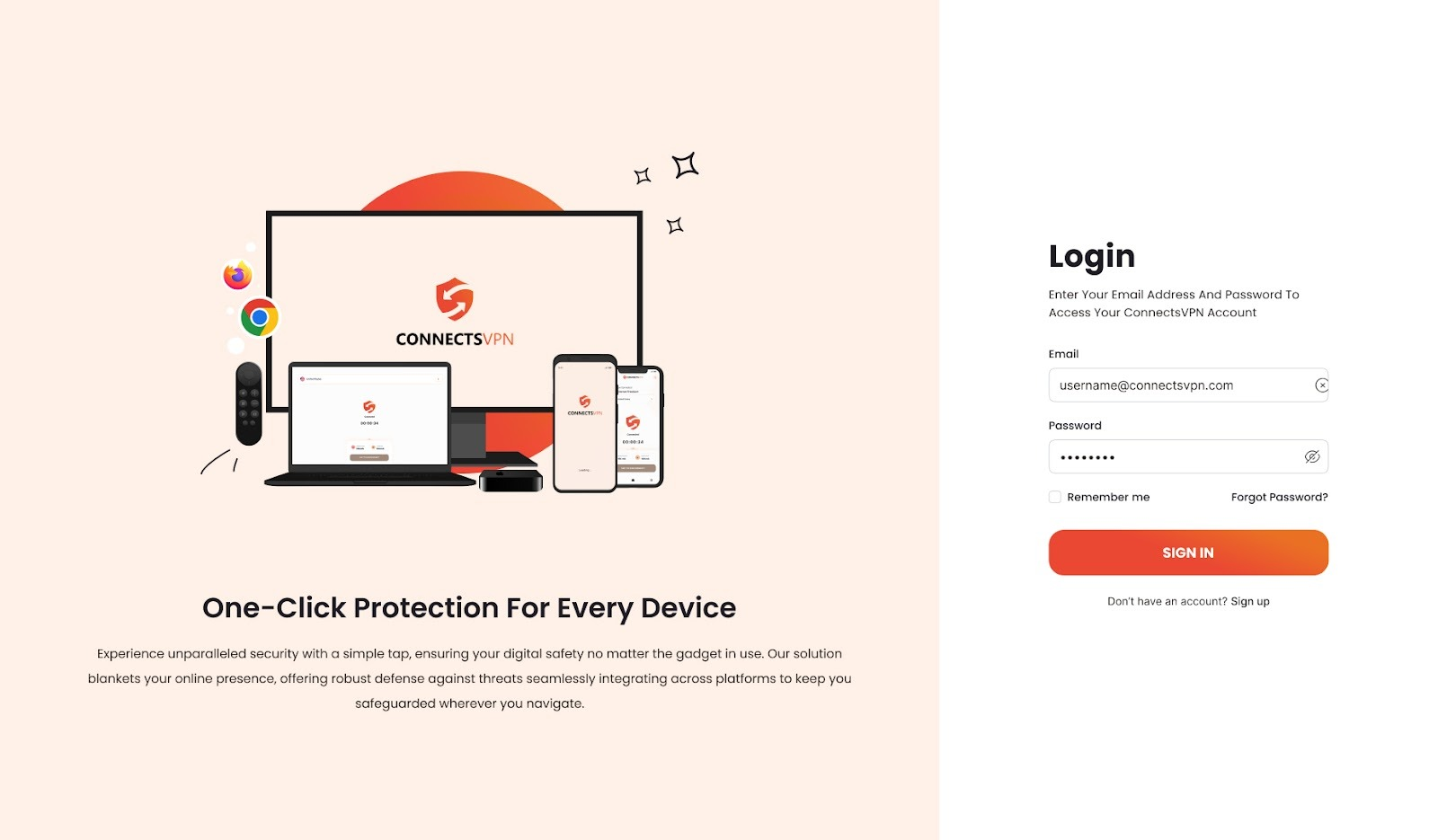
Log in to your Member Area using your email and password.
-
Navigate to the Manage Account option.
In the Subscription section, you can:
- View your product’s status
- Check the pricing for your product
- Find out when your subscription is due next
- Upgrade your subscription
Here’s how to get to the Subscription section:
-
Log in to your Member Area with your email and password.
-
Click on Subscriptions.
- Choose Active Subscription. You can cancel your subscription there if you do not want to renew.
To get the ConnectsVPN application on your device, follow these steps:
-
Log in to your Member Area account with your email and password.
-
Click on Download.
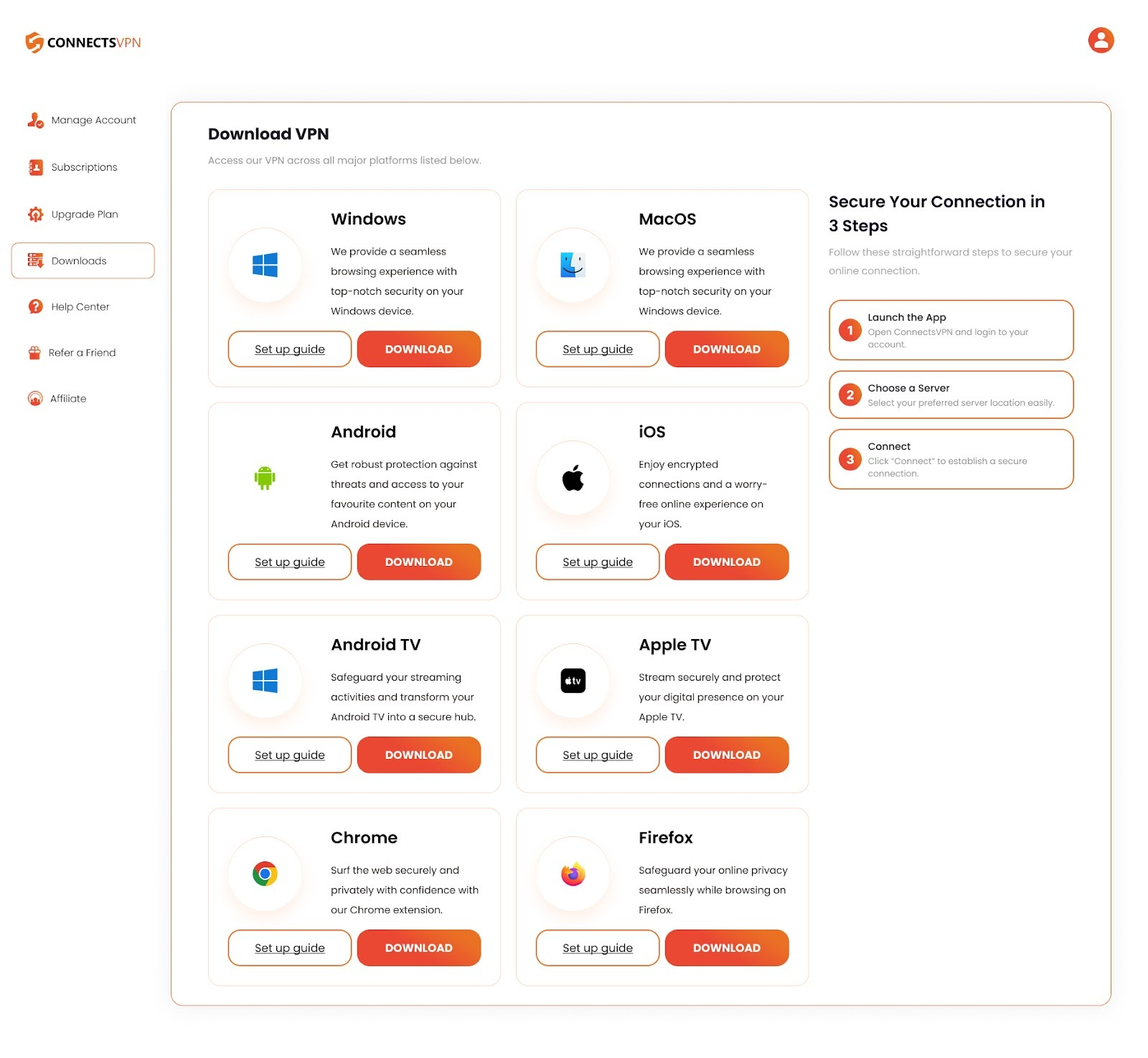
- You can download the right application for your device.
To create Support Tickets in the Support Center section, follow these steps:
-
Log in to your Member Area account using your email and password.
-
Click on the Support Center and select Create New Ticket.
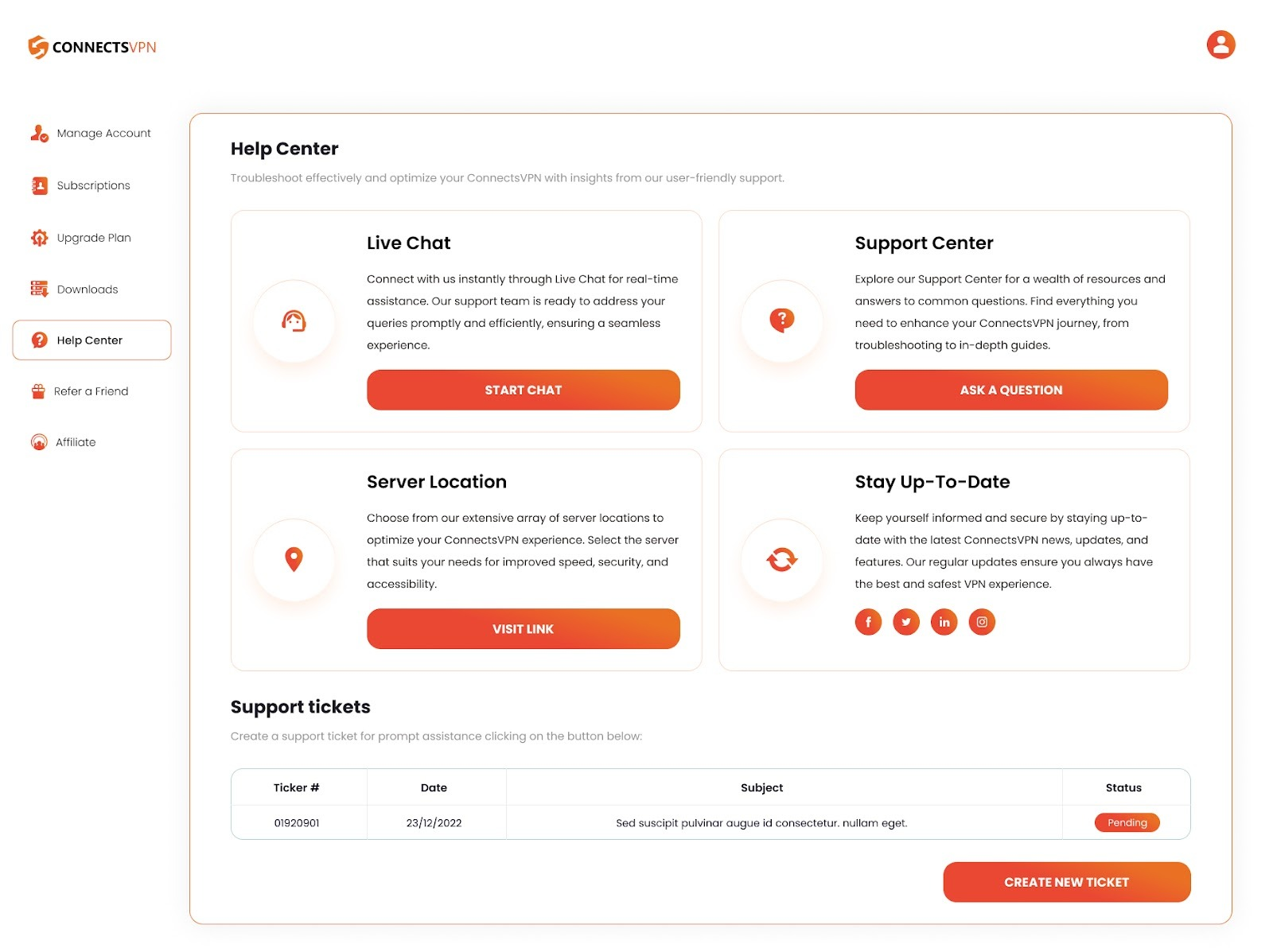
- Provide the necessary information, describe your query, and click Submit.
- Your ticket will be created successfully. Expect a response from our Support team via email.
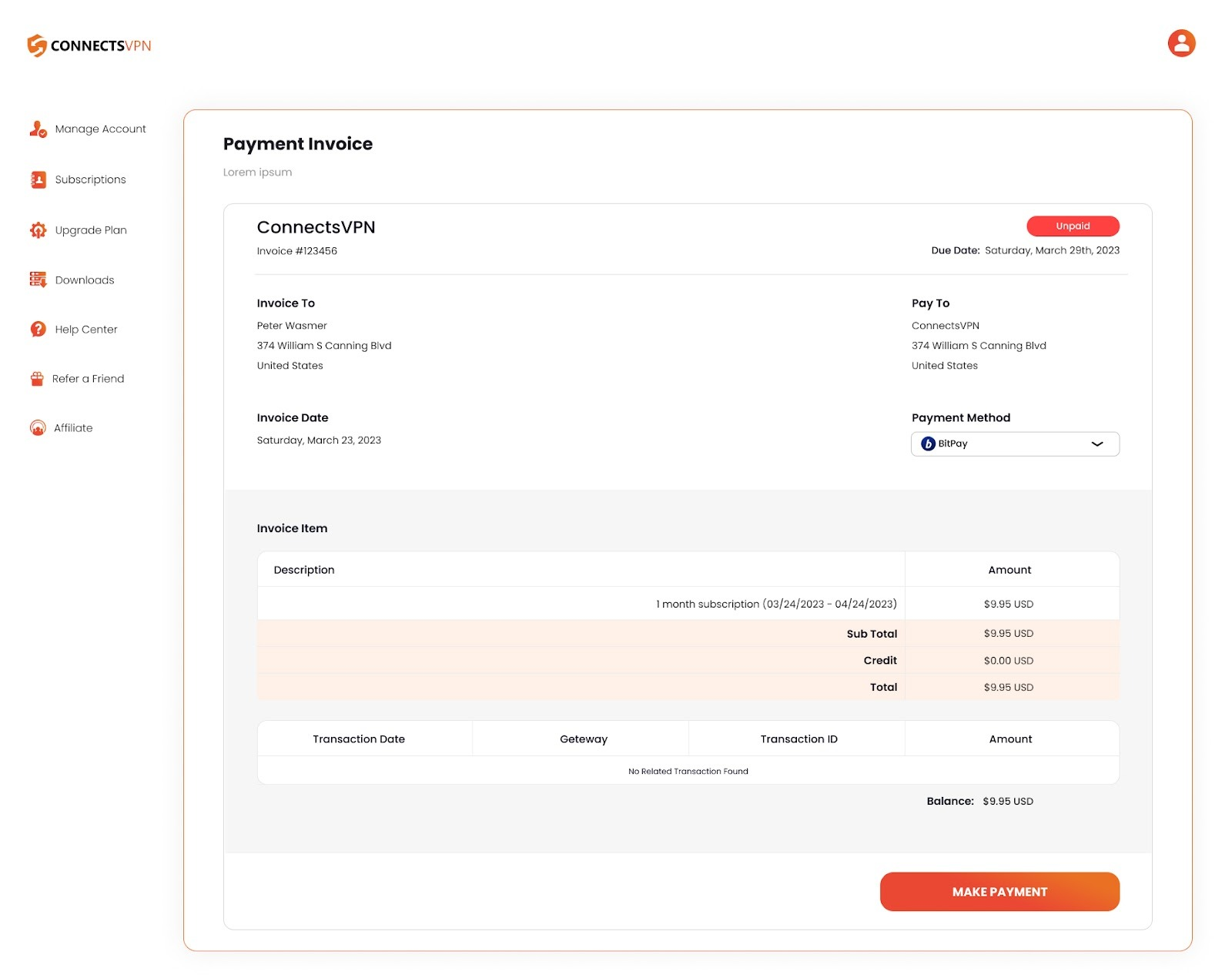
To review your payment history, follow these steps:
-
Log in to your Member Area account using your email and password.
-
Click on Invoices. In this section, you can find the following information:
- Payment History
- Invoice Status
- Next Invoice Due Date
- Download or Print your invoice